Compression and Extract Files
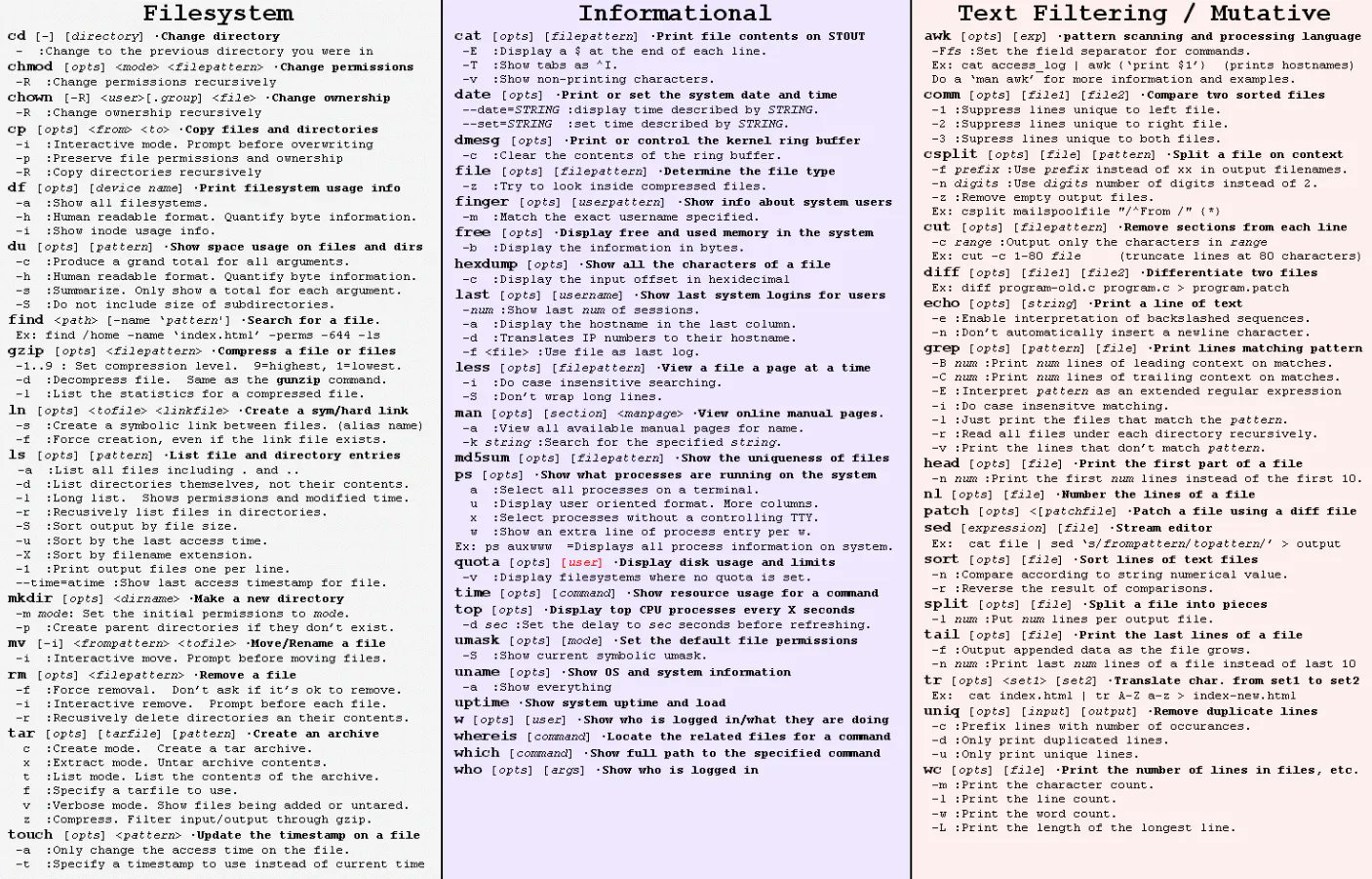
tar -cfv filename.tar directoryname
TAR indicates "Tape Archive", The -c means “create”,
-v means “verbose” and the
-f indicates that a filename will follow (filename.tar)
tar -tvf filename.tar
Typing this command will result in a list of the contents of the tar file.
tar -xvf filename.tar
command used to “extract” a tar file.
use -x to “extract” instead of the -c used to create.
gzip filename.tar
This command is used for compression.
the filename will automatically change from filename.tar to filename.tar.gz
gunzip filename.tar.gz
This command (g”unzip”) is used to uncompress a .tar.gz file
tar -xzvf filename.tgz
This command is used to uncompress and extract the files from a .tgz archive.
TAR indicates "Tape Archive", The -c means “create”,
-v means “verbose” and the
-f indicates that a filename will follow (filename.tar)
tar -tvf filename.tar
Typing this command will result in a list of the contents of the tar file.
tar -xvf filename.tar
command used to “extract” a tar file.
use -x to “extract” instead of the -c used to create.
gzip filename.tar
This command is used for compression.
the filename will automatically change from filename.tar to filename.tar.gz
gunzip filename.tar.gz
This command (g”unzip”) is used to uncompress a .tar.gz file
tar -xzvf filename.tgz
This command is used to uncompress and extract the files from a .tgz archive.

Comments